KELIBRON
Dial indicator: outside diameter of turned shaft Ø25
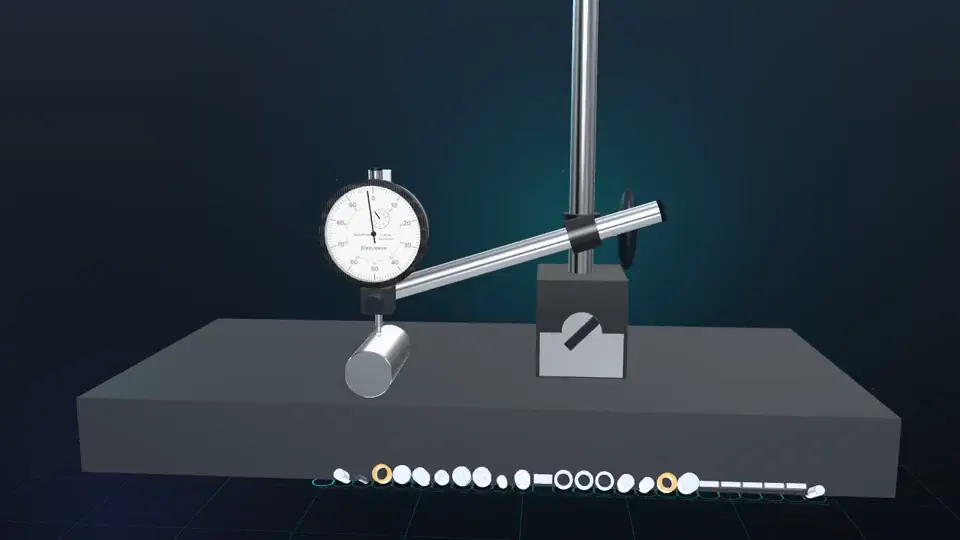
Dial indicator: outside diameter of turned shaft Ø25: a 22-second reenactment recorded in the KELIBRON 3D lab, with English captions. The steps below are the captions in order, and you can do the same measurement yourself in the lab.
What happens in the video
- 0:00 Dial indicator: outside diameter of turned shaft Ø25
- 0:04 Set a gauge block of the part's nominal size under the tip, press the stem in to preload it and turn the bezel to zero: from now on, zero stands for the block's size.
- 0:09 Lift the block away and set the part under the same tip: the stand, its angle and the zero stay put.
- 0:13 Read while the tip is still on the part: the indicator shows the deviation from the 25.00 mm block; the size is 24.98 mm, within 24.95–25.00 mm.