 KELIBRON
 Teaching and certification
Teaching and training with KELIBRON
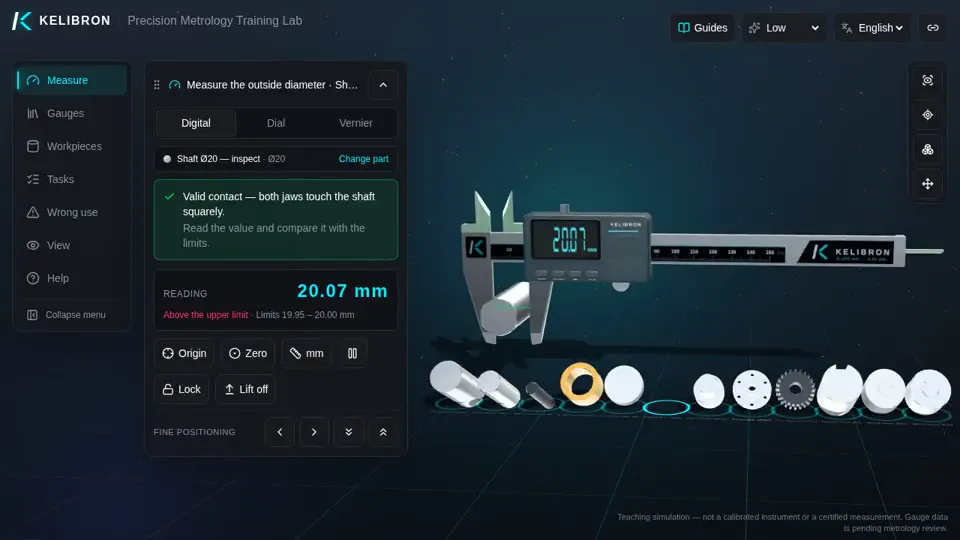
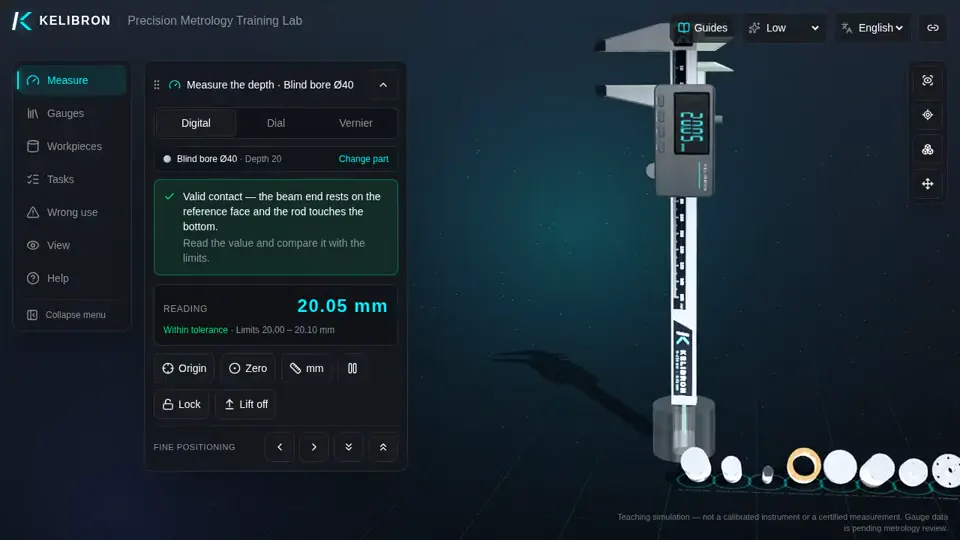
KELIBRON gives every learner their own digital, dial and vernier caliper and a bench of real-sized parts — on a projector, a lab PC or a phone, free and without installation.
On this page
Who uses it
- Secondary-school physics: length measurement and vernier reading.
- Vocational and technical colleges: machining, CNC, tool and die, mechatronics, automotive and maintenance programmes; courses on technical measurement, tolerances and fits, engineering drawing.
- Universities: mechanical engineering and manufacturing labs, metrology introductions.
- Industry: new hires and apprentices in machining, assembly and quality inspection (incoming, in-process and final inspection).
- Skills competitions and certification practice.
- Makers and hobbyists learning to measure.
How teachers use it
- Demonstration: show on a projector how each caliper is read, with the readout view and an exploded view of the parts.
- Pre-lab practice: students rehearse before touching real instruments, so lab time goes to real parts.
- Remote and blended lessons: everyone measures the same part at home.
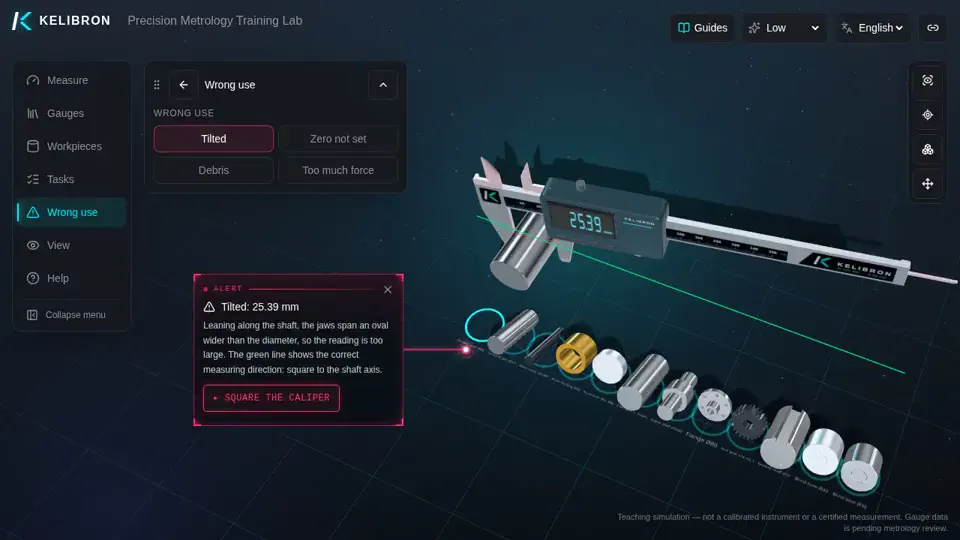
- Mistakes on purpose: run the wrong-use demonstrations (tilt, zero error, debris, force, off-centre bore, unseated depth) and discuss why the reading changes.
- Assignments: share a link that opens a chosen caliper, part and task.
- Tolerance judgement: parts made out of tolerance on purpose train pass/fail decisions.
Why a virtual caliper
No instruments to buy, wear out, drop or lose; unlimited parts and setups; the mistakes are visible and explained; works on the devices students already have. Real instruments remain essential — the simulator prepares and reinforces the hands-on work.
Watch it done
Played back in the lab from domain commands; the reading and verdict come from the measurement model.
Practise in the lab
Questions
Is it suitable for a whole class?
Yes. It runs in any modern browser, on lab PCs, laptops, tablets and phones, at no cost.
Can I give students the same exercise?
Yes: set up the caliper, part and task, then copy the share link.
Try it yourself
Open the same setup in the 3D lab and take the reading yourself.
Related guides
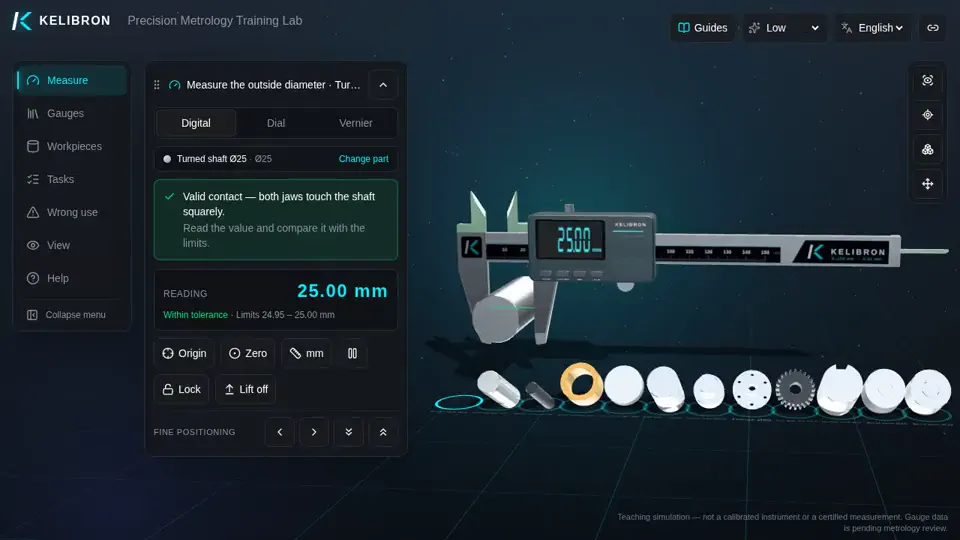 Teaching and certificationMeasuring skills for certification and competitionsPractical assessments mark not only the size of your part but how you measure it: check the instrument, clean and zero it, use the right technique for each feature, read to the resolution, record, judge against the tolerance and put the instrument away properly.
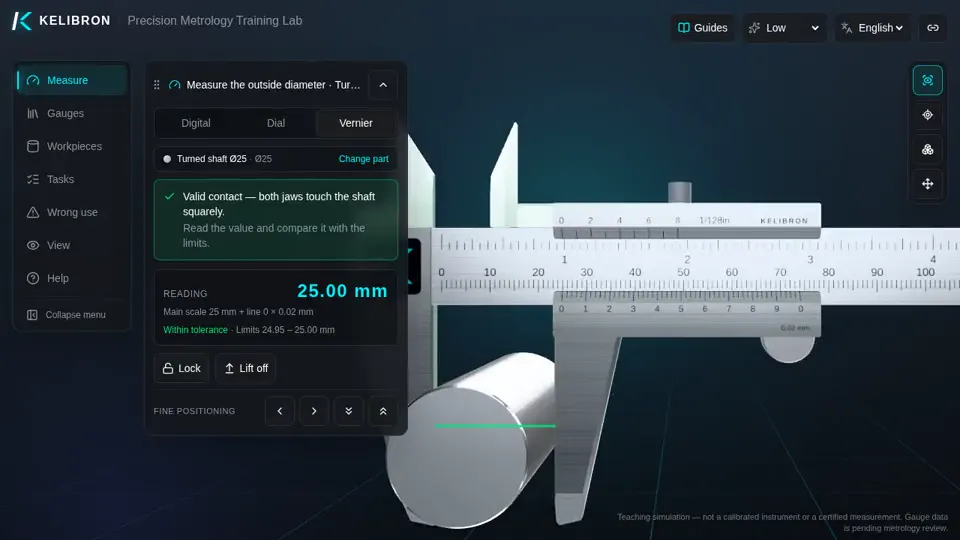 Reading calipersHow to read and use a caliperCheck zero with the jaws closed, hold the part deep in the jaws and square to the beam, close with light, even force, then read: on a vernier, the main-scale millimetres plus the coinciding line × 0.02 mm; on a dial, millimetres plus the needle’s hundredths; on a digital caliper, the display.
- Reading calipersHow to read a vernier caliperReading = whole millimetres on the main scale (left of the vernier zero) + number of the vernier line that lines up × least count.