 KELIBRON
 Reading calipers
How to use a digital caliper
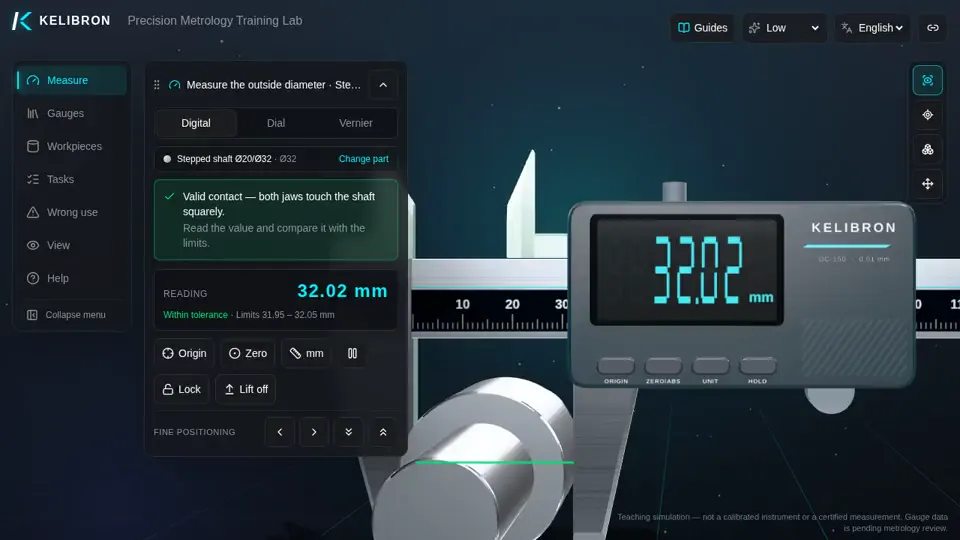
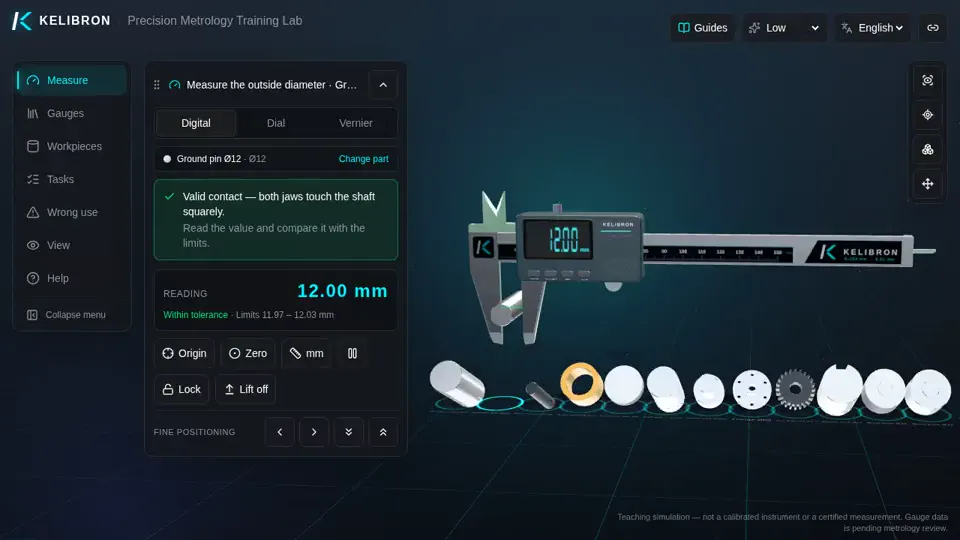
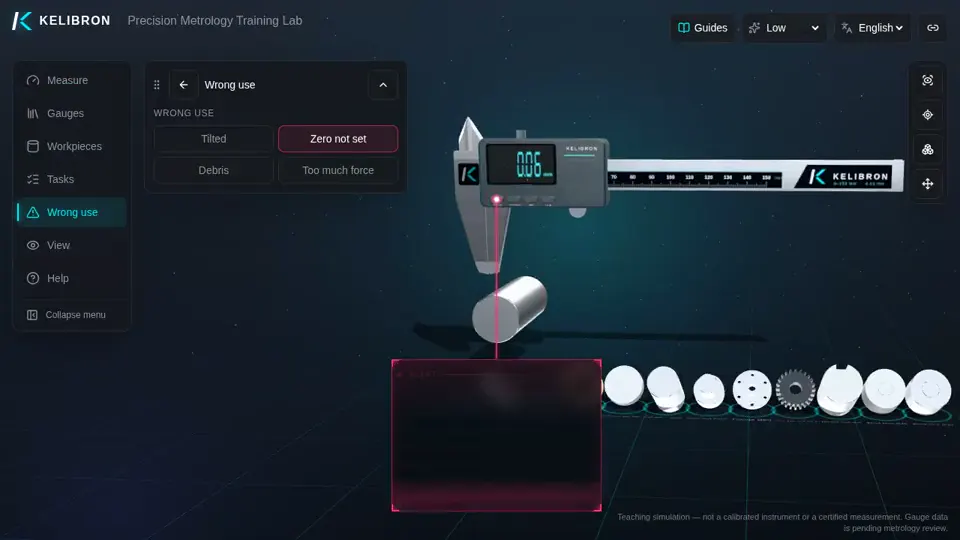
A digital caliper shows the value directly, usually to 0.01 mm. Set the absolute zero with ORIGIN while the jaws are closed; use ZERO for a relative zero (INC) when comparing parts to a master.
On this page
Resolution is not accuracy
The display steps in 0.01 mm, but a 150 mm digital caliper is typically accurate to about ±0.02 to ±0.03 mm (check the maker’s specification). Choose an instrument whose accuracy is a small fraction of the tolerance — a common rule is one tenth; where that is not possible, 4:1 or 3:1, with the measurement uncertainty taken into account near the limits.
Battery, protection and data
Most use an SR44/LR44 cell; remove it for long storage. IP54 to IP67 models resist coolant and dust. Some send readings by cable or Bluetooth to a computer or SPC software.
References
- ISO 13385-1:2019 — Geometrical product specifications (GPS) — Dimensional measuring equipment — Part 1: Design and metrological characteristics of callipers · ISO
- JJG 30-2012《通用卡尺》检定规程 (cited by number; no public page) · 国家质量监督检验检疫总局
- JCGM 200:2012 — International vocabulary of metrology — Basic and general concepts and associated terms (VIM, 3rd edition) · JCGM / BIPM
Watch it done
Played back in the lab from domain commands; the reading and verdict come from the measurement model.
Practise in the lab
Questions
What is the difference between ORIGIN and ZERO on a digital caliper?
ORIGIN sets the absolute zero with the jaws closed. ZERO sets a temporary relative zero anywhere (INC mode); ABS returns to absolute readings.
Why does my digital caliper not read 0.00 when closed?
Dirt on the faces, a low battery or a lost origin. Clean the faces, close the jaws and press ORIGIN; replace the battery if the display flickers.
Try it yourself
Open the same setup in the 3D lab and take the reading yourself.
Related guides
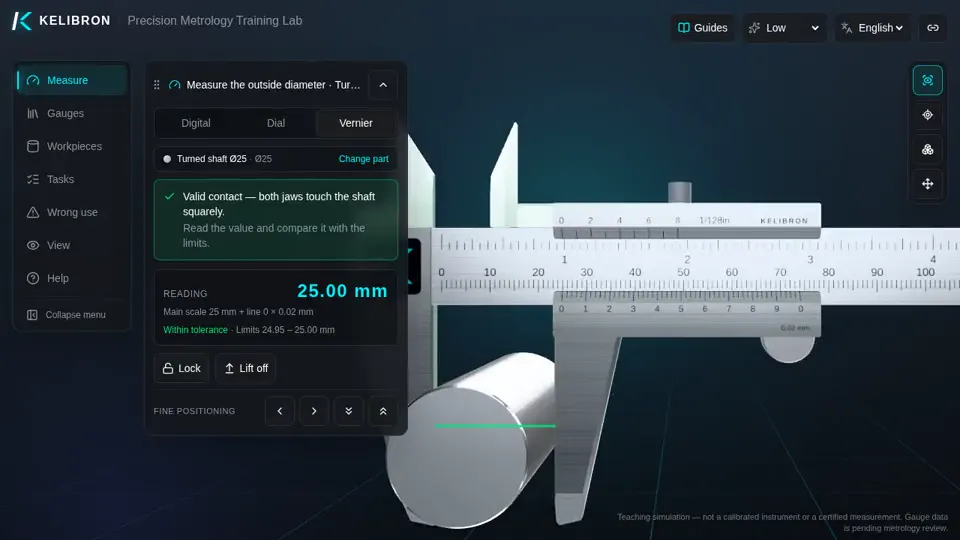 Reading calipersHow to read and use a caliperCheck zero with the jaws closed, hold the part deep in the jaws and square to the beam, close with light, even force, then read: on a vernier, the main-scale millimetres plus the coinciding line × 0.02 mm; on a dial, millimetres plus the needle’s hundredths; on a digital caliper, the display.
- Reading calipersHow to read a vernier caliperReading = whole millimetres on the main scale (left of the vernier zero) + number of the vernier line that lines up × least count.
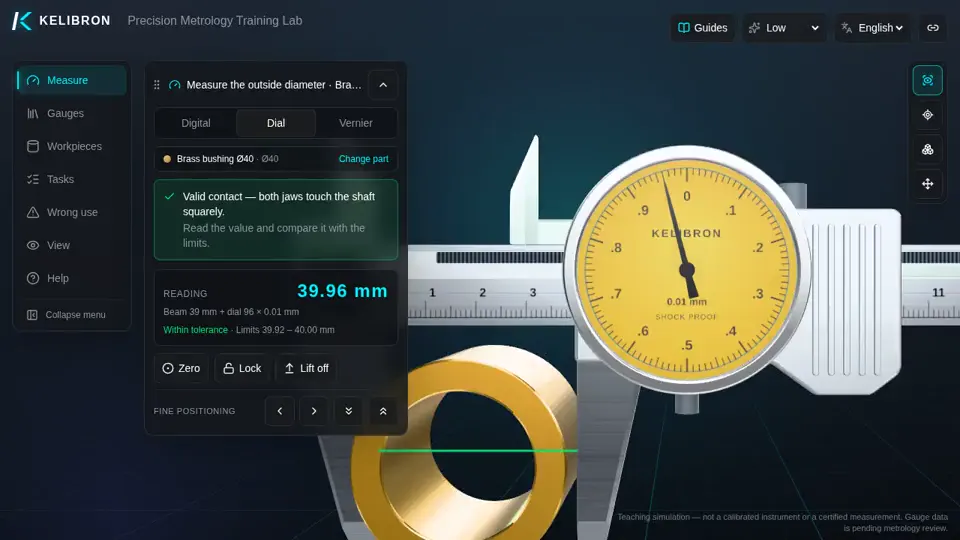 Reading calipersHow to read a dial caliperReading = millimetres on the beam scale (at the slider’s reading edge) + needle divisions × 0.01 mm.